7 Best Handwritten Note-Taking Apps for Windows in 2026 — Tested & Compared
Introduction
For students, choosing the right application to take their notes in is a critical step when embarking on their academic journey. Switching costs are high, as notes are often not movable between applications and frustration with the wrong application at hand is horrific, especially when in the middle of a lecture. So this choice is important and has direct effects on study performance. To make it easier for you to decide, I brought together my thoughts on the best solutions for handwritten note-taking on Windows. Enjoy!
Applications
OneNote
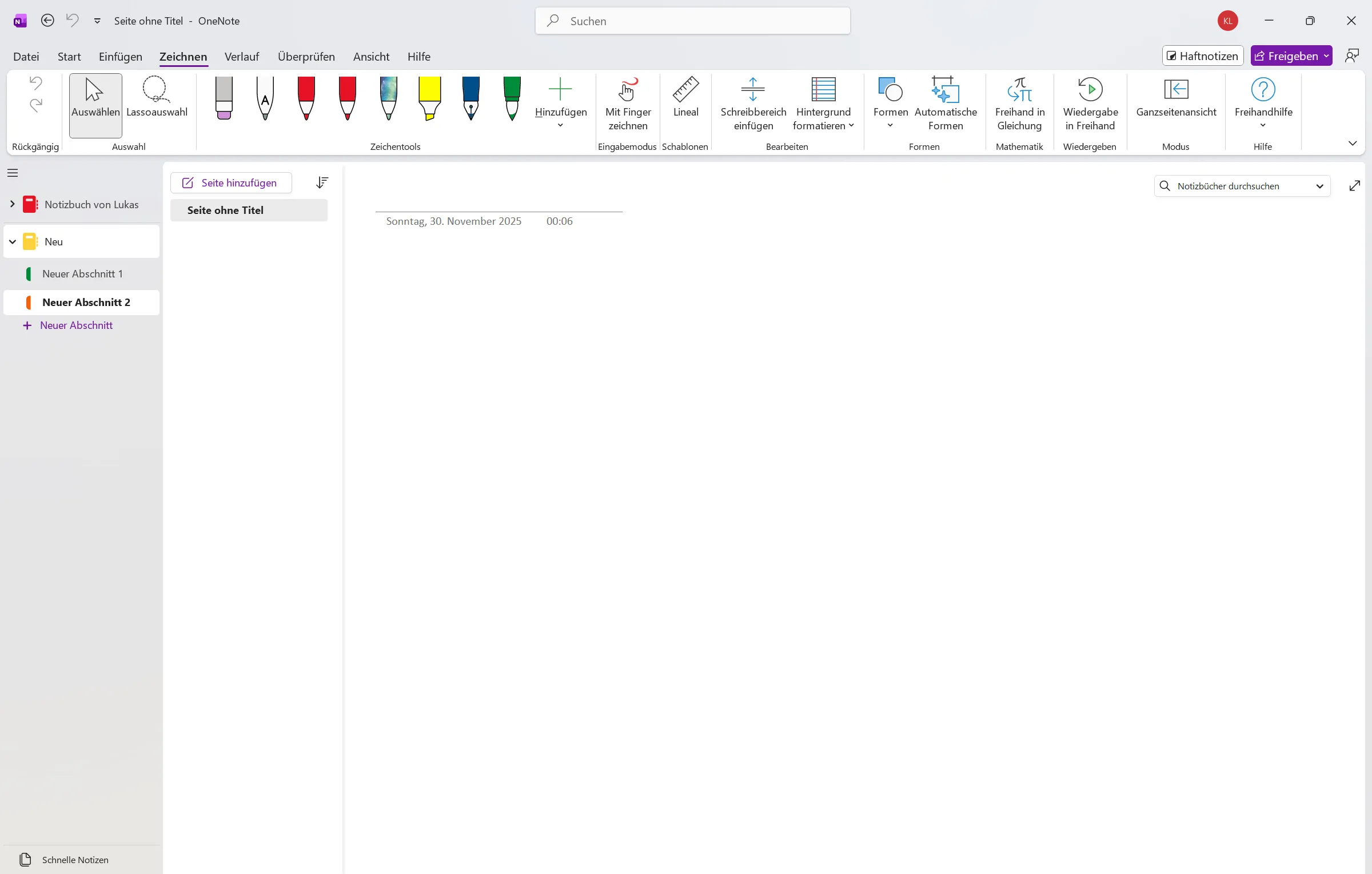
OneNote is the first big application that comes to mind when talking about handwritten note-taking on Windows, and it deserves its credit. In the end it is Microsoft’s - the software giant’s - take on note-taking. Unfortunately however, the app is as corporate as the company behind. One Note features all integrations like cloud, AI and cross platform, but is pulled down by an overwhelming and overcomplicated interface. When you simply want to write down some thoughts, it may be too much to handle.
Talking purely about features, it numerically outperforms all other solutions, but do you really want to opt for a note-taking application that forces you to work in an infinite canvas as opposed to separate pages?
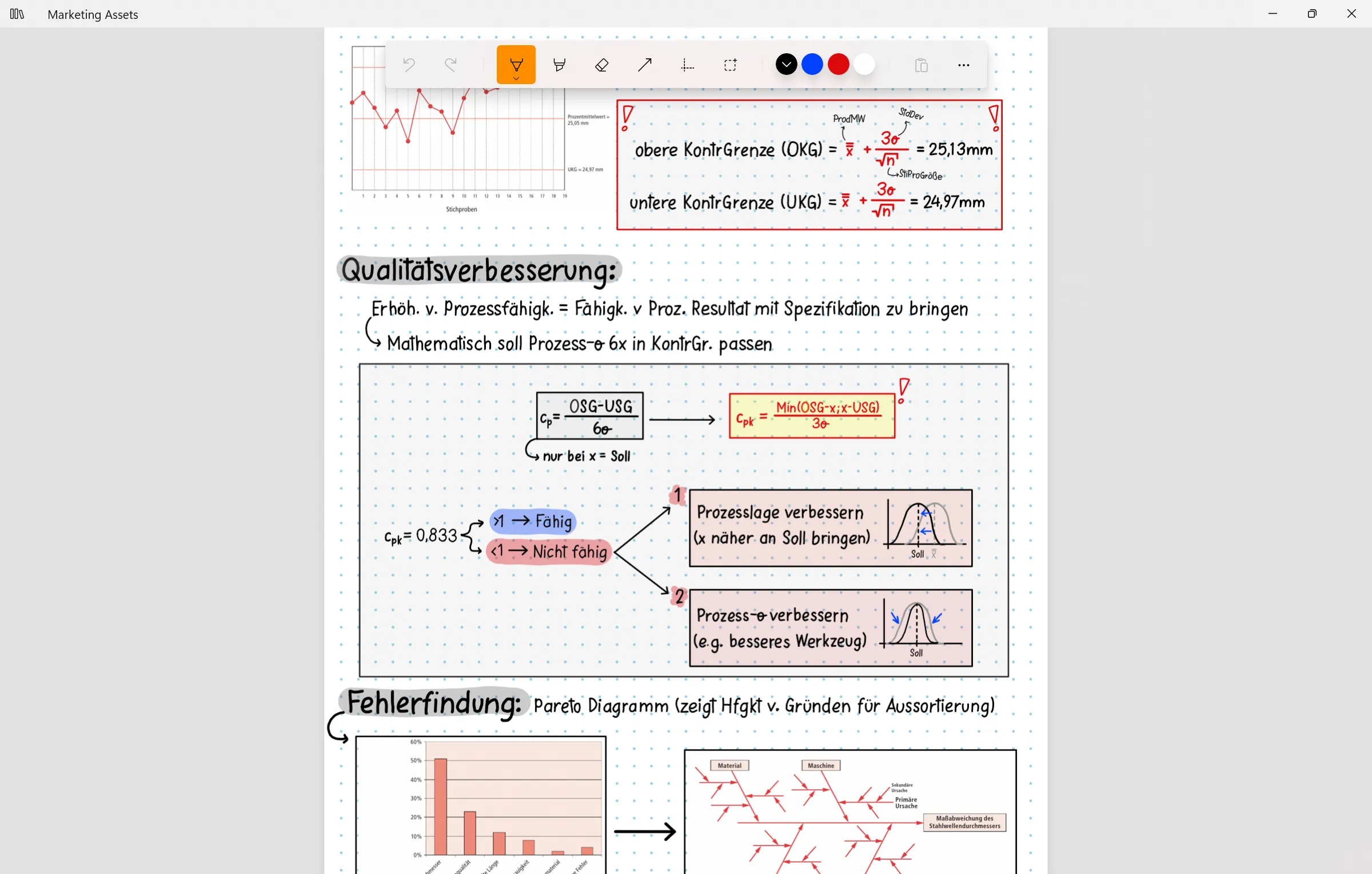
Noteastic
Noteastic is a quick and simplistic note-taking solution made for students on Windows. The app is developed with Windows as it’s sole platform, and you can feel it. Noteastic does not offer state-of-the-art features like AI-services, cloud synchronization or cross-platform use, however when your goal is to import your lecture’s slides and annotate them, it gets the job done flawlessly. Also, the library enables you to organize your notes accordingly.
The app did not stand the test of time yet, but is driven by an active and growing community. A clear advantage is, that the app is free and usable the second you install it. Time will tell if this is the solution the Windows platform has needed.
Goodnotes

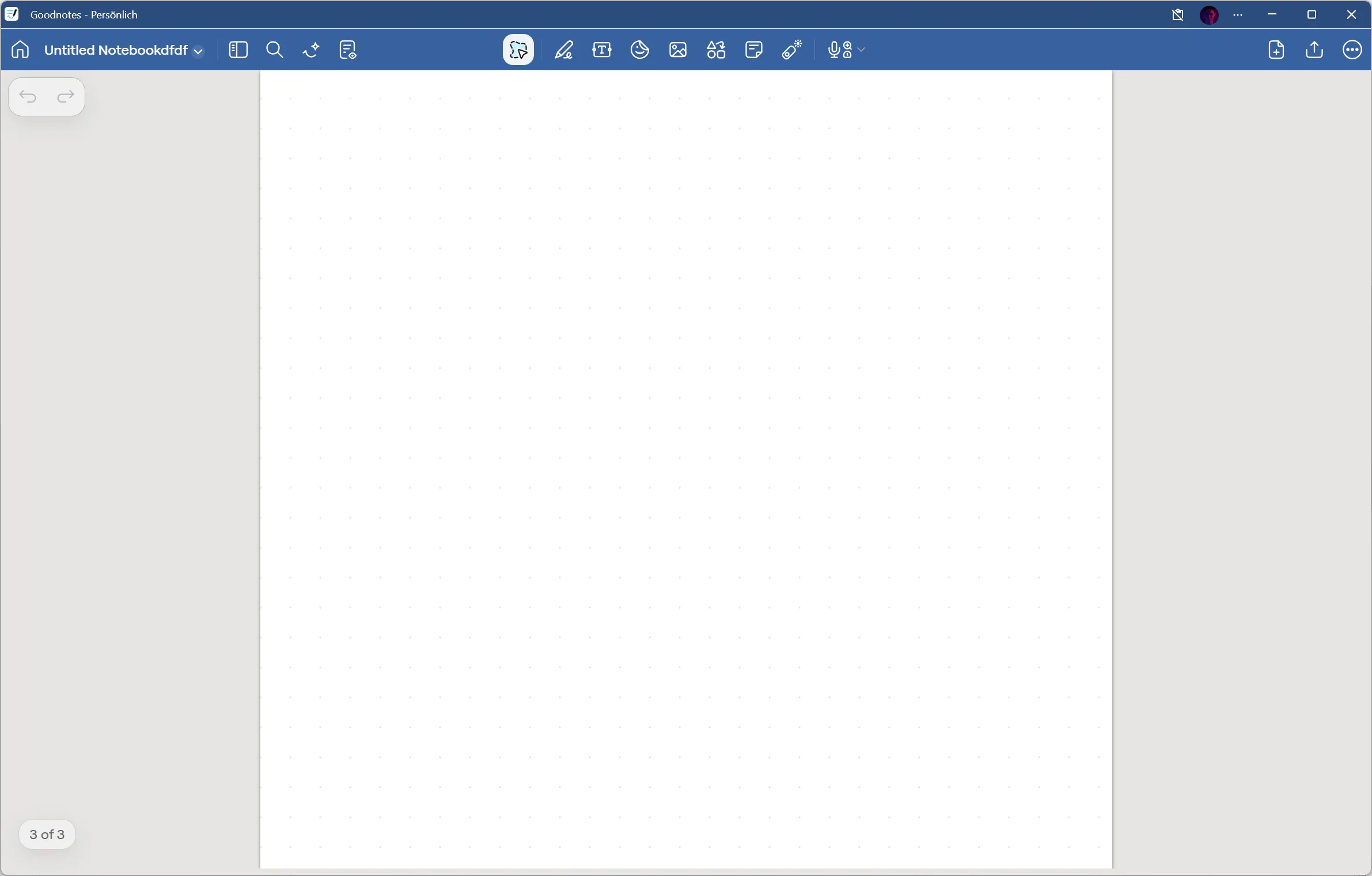
Goodnotes made its name on the IOS platform where it is among the best handwritten note-taking solutions the world has seen so far. Wherever you go, you find people on iPads using Goodnotes as their daily driver, but this does not mean they will deliver a viable solution for the Windows platform.
Goodnotes’ Windows application features all functionalities you also encounter on the IOS version, however the app itself is slow and poorly optimized for touch interaction. This stems from the fact that Goodnotes for Windows is actually a web-application that runs inside of a browser.. this is especially painful for weaker devices, because browsers utilize a lot of computing power and therefore also causes a surge in energy usage.
You cannot argue against the amazing features the app provides, but it comes at a price on Windows. Using this app, you pay money but lack performance.
Drawboard PDF

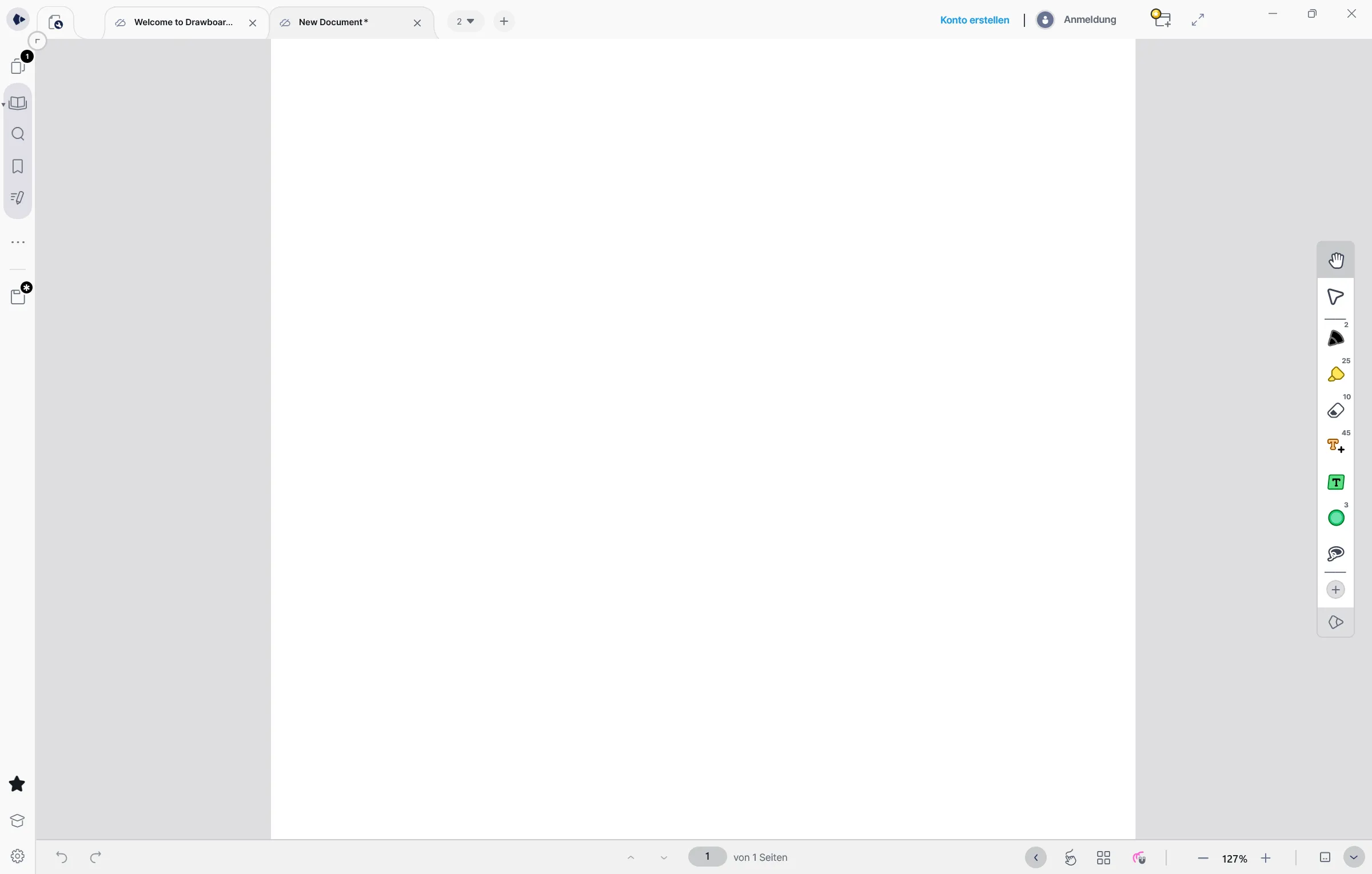
A strong take on digital note-taking especially aimed at annotating PDFs (duh) and technical drawings. The app comes at a price with various plans, but offers cloud synchronization and a mobile viewer. The interface is comprehensive, however not as cluttered as OneNote.
It is a viable solution for note-taking however, and good for file sharing. Because your notes are stored as PDFs, you can send them to your colleagues right away. Still, you can’t neglect that the application is not Windows native and you can feel it.
MyScript Notes (formerly Nebo)

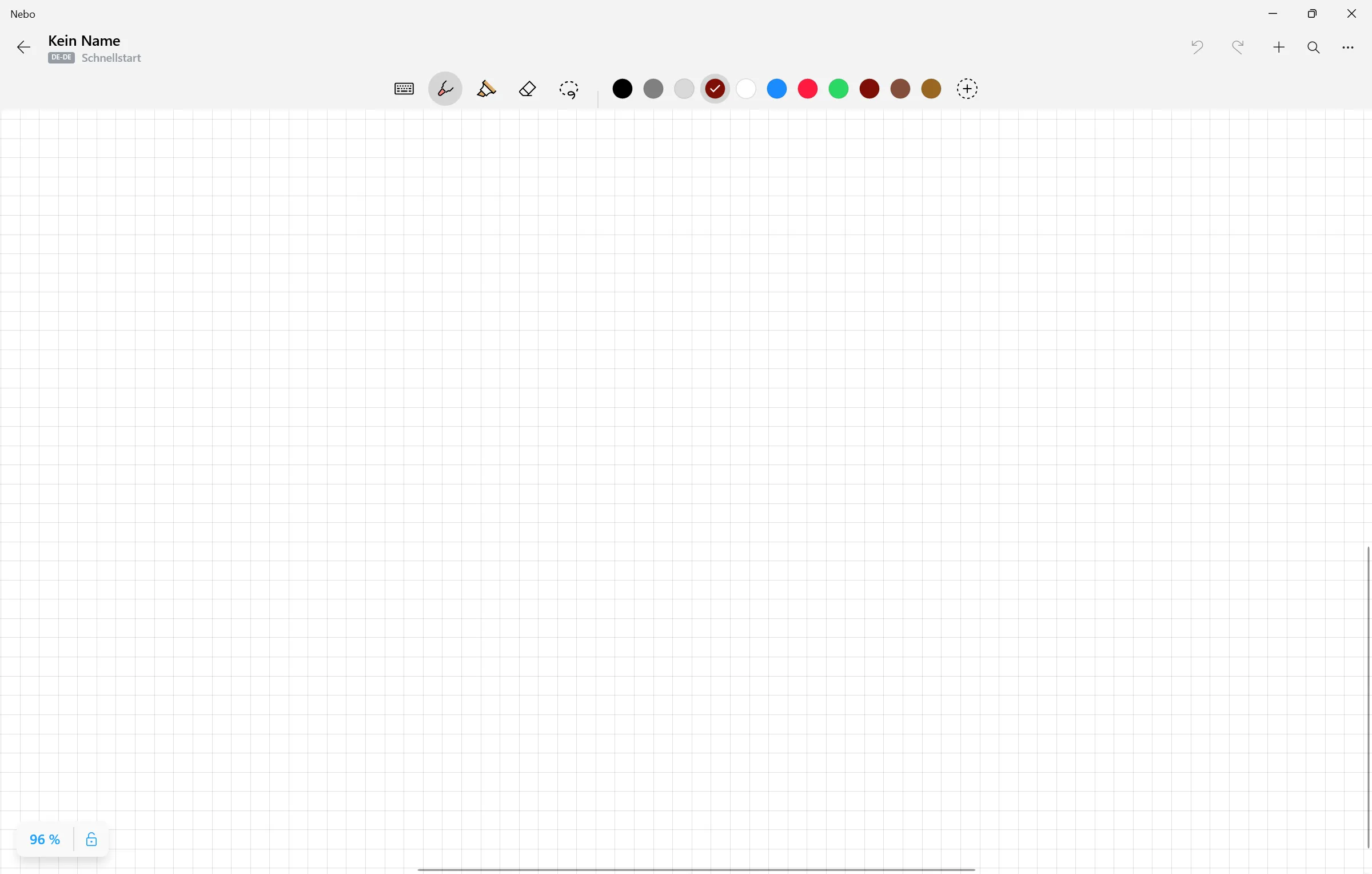
Due to its mother Company MyScript, Nebo features the best handwriting detection available. The note-taking experience is light and organization sophisticated. Unfortunately touch-interaction is not as smooth as you might expect, but the app brings the job done.
But Nebo also comes at the price of a subscription, so ask yourself twice if you want to pay for an application that does the same as some other free solutions.
Honorable Mentions
- Zink Note - Neat and simplistic and native Windows (but discontinued)
- Scrivano - Also available for Linux
- Inkodo - Indie project but steadily updated
- Microsoft Journal - Focus on writing with gestures (like scribble-to-erase)
For a more detailed guide on what to look out for in handwritten note-taking apps, check out my breakdown of what makes a good note-taking app in my ultimate guide to handwritten note-taking on Windows!